
Verbal Visuals
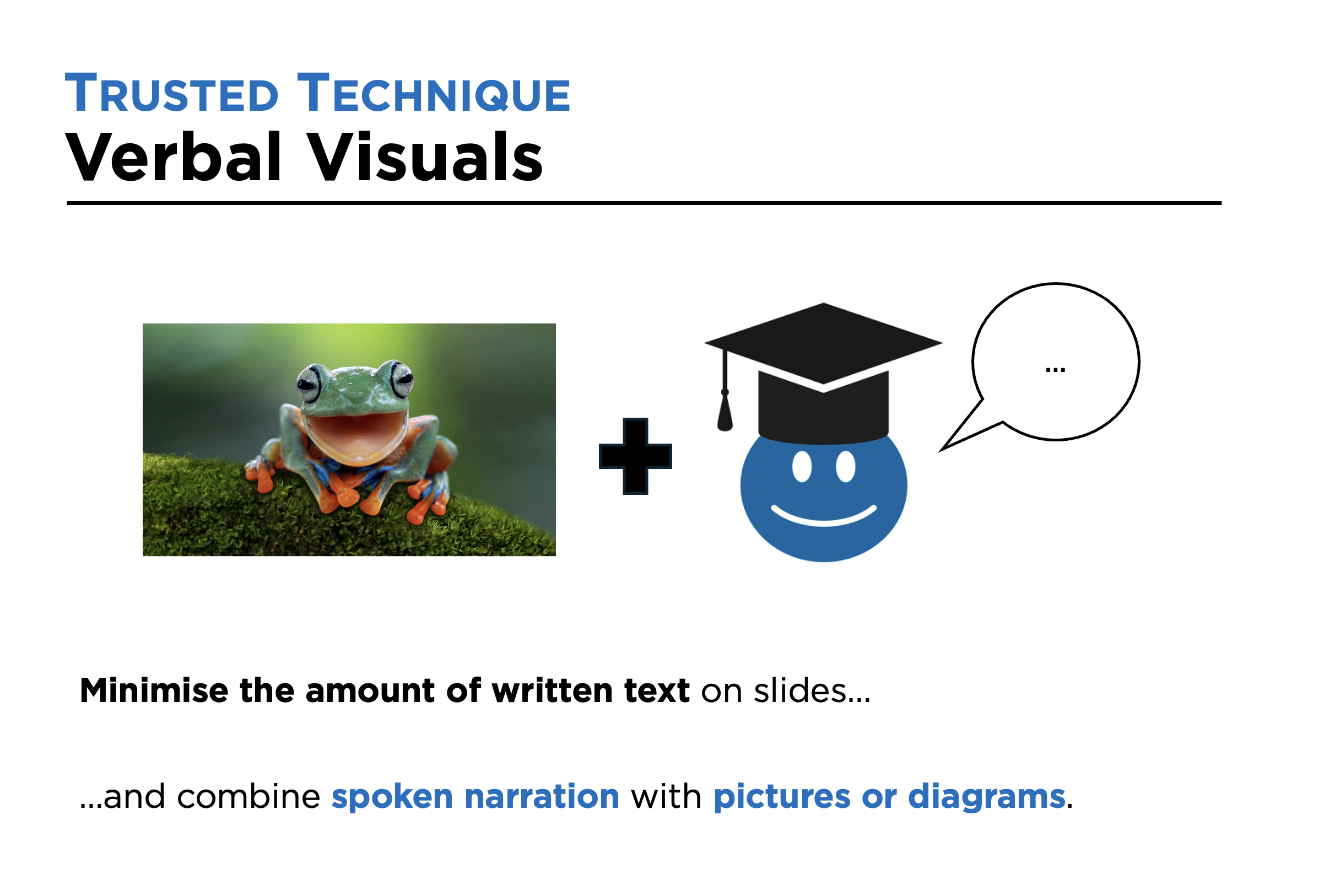
With the technique, Verbal Visuals, you minimise the amount of text on resources such as PowerPoint slides and instead use your spoken voice to complement visual images.
For example, if you want to teach students that a frog is an example of an amphibian because it is a cold-blooded vertebrate that doesn’t have scales, you wouldn’t have all of this information written on a slide and say it at the same time. Instead, you might have a picture of a frog and use your spoken voice to make all of these points to students.
Why use this technique?
Working memory can’t process written and spoken words at the same time. If we read out text as it appears on slides, one of the forms will be redundant - students won’t be able to listen and read themselves. That’s why it can be better to use our spoken voice to narrate visual images.
Notes and tips
The cognitive principles that underpin this technique don’t mean written words should never appear on slides. Sometimes, there are good reasons to have a small amount of written text. This includes as a prompt for you, the teacher, and to support students’ working memories (so they don’t have to hold everything you are saying in there, freeing up space for thinking).
Focused reflection
How well do you currently use this technique?
Is it a technique you will focus on developing?
If so, what are the key features you will focus on (things to do, and not do)?